Google Is Linking Your Phone Number to Every Google Account on Your Android Phone
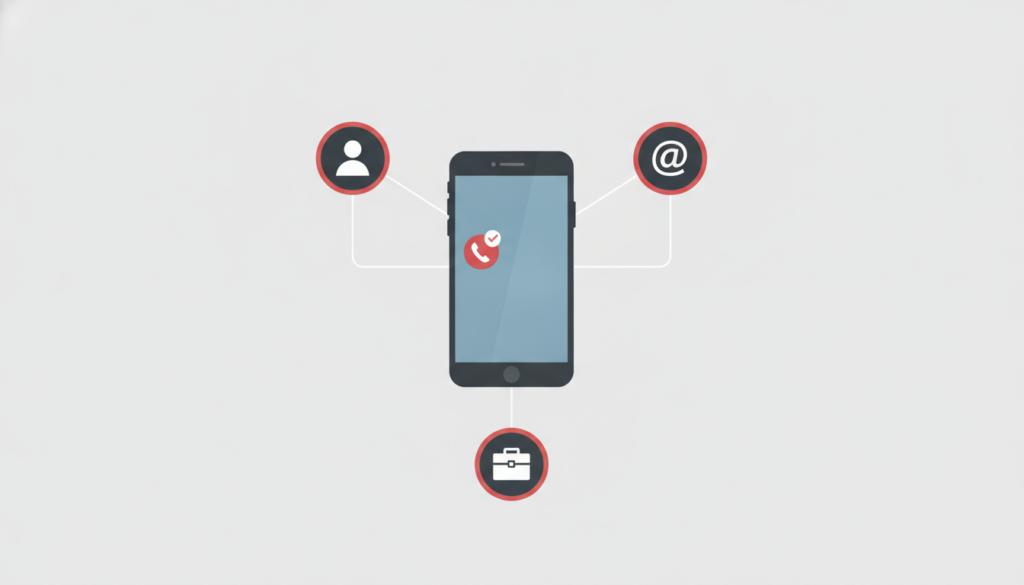
Google’s own support documentation confirms that Android automatically verifies a device’s phone number during setup and attaches it to every Google account signed in on that phone, not just the primary one. The setting is on by default, and an Android Authority investigation found Google never announced the change.

The Google support page on the subject states plainly that “phone number verification is turned on by default” and that it applies to every account signed in on the device, including secondary and work accounts added later. Google also re-verifies the number periodically with the carrier, which the page notes can incur carrier charges.
The behavior is not new in the sense of a fresh rollout. What is new is that it was ever disclosed at all. Android Authority first reported the issue in mid-October 2026 and traced a Google Play services changelog dated September 8, 2025 that lists automatic number verification running at setup. The outlet found that Google’s own support documentation was amended sometime between August and October 2025 to describe the default-on state for the first time, something it had not previously disclosed to users.
Android Authority’s investigation began after a Reddit thread surfaced reports of users receiving emails from an address labeled noreply-phone-verification@google.com, stating their number had been verified. The outlet said it reached out to Google for comment and had not received a response at the time of its report.
Reader reaction has been largely negative. In a poll Android Authority ran alongside its report, drawing 2,442 responses, 86 percent of respondents said the behavior decreased their trust in Google. Some readers also told the outlet that the verification toggle had switched itself back on after they turned it off, though Android Authority said it could not reproduce that behavior in its own testing, and that the setting had remained off for its testers so far.
What the Linked Number Is Actually Used For
Google’s documentation ties the verified number to several features: signing in and recovering an account, Rich Communication Services (RCS) messages and video calls, emergency location and device-protection tools, and file sharing through Quick Share. Turning verification on also switches on a separate feature called “Better sharing on Google.”
The support page does not explain why the number needs to be attached to every signed-in account rather than only the device owner’s primary one. Google states separately that it does not sell personal data, including phone numbers, but the documentation leaves the ad-relevance question open: a “Better ads and Google services” setting uses phone numbers to personalize ads, and Google has not specified which ad settings apply to numbers that were attached automatically rather than entered by the user.
How to Turn It Off, and What Is Lost
Google’s own instructions describe the path: open Settings, select Google, go to All services, then Privacy and security, and choose Phone number verification. From there, automatic verification can be switched off for that account.
Switching it off does not retroactively remove numbers already attached. Those have to be deleted manually, account by account, under each account’s Personal info settings. Disabling verification also has a practical cost: RCS messaging depends on a verified number, so turning it off reverts Google Messages conversations back to plain SMS.
Why This Matters for Android Users
Android runs on the large majority of smartphones sold in India, which makes a default-on setting like this one relevant well beyond the markets where Android Authority first reported it. A number entered for one account, or verified automatically for convenience features like Quick Share or emergency location, now attaches itself to every other Google account active on the same handset, including secondary or work profiles the user may not have intended to link.
Security firm Kaspersky has noted the trade-off involved: turning verification off protects against unwanted number-sharing across accounts, but it also switches off the recovery and RCS conveniences the feature was built for. Google has not said whether it plans to change the default or make the cross-account linking clearer to users at setup.
Frequently Asked Questions
Does this affect iPhone users?
No. The setting is specific to Android’s account and setup system; Google’s support documentation addresses Android devices only.
Will turning verification off delete my number from accounts it is already attached to?
No. Google’s instructions say existing links have to be removed manually, one account at a time, under each account’s Personal info settings.
What do I lose if I disable it?
RCS messaging drops back to SMS, and account recovery or sign-in options that rely on a verified number stop working.
Whether regulators in any market examine the default-on design, given it was never separately disclosed to users, is the open question to watch.
Leave a Reply